


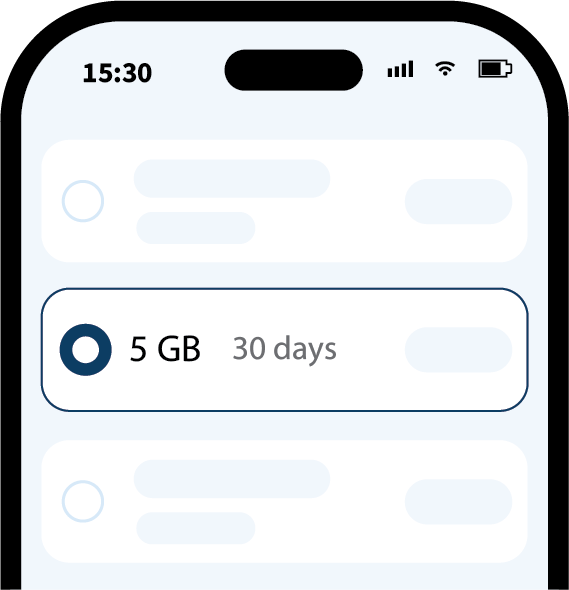
STEP1
Choose a plan
Select the best data plan for your destination and travel duration.
Global travel eSIM, ready before takeoff
Fast, convenient eSIM service around the world.
Hand-picked data plans travelers love.

Enjoy effortless mobile access wherever your journey takes you. An eSIM provides data service without the need for a physical SIM card. Set it up before departure and enjoy a smooth experience from the moment you arrive.
Discover how eSIM works and why it’s the smarter way to travel.
More detail…Effortless setup before you even take off.
STEP1
Select the best data plan for your destination and travel duration.
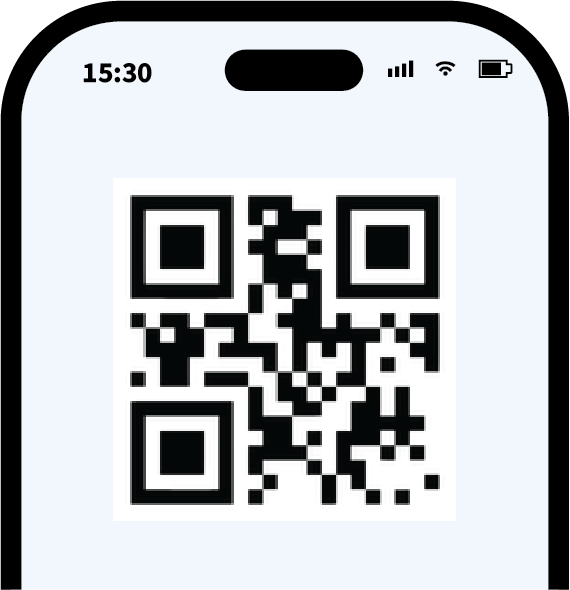
STEP2
Scan the QR code to set up your eSIM before departure.
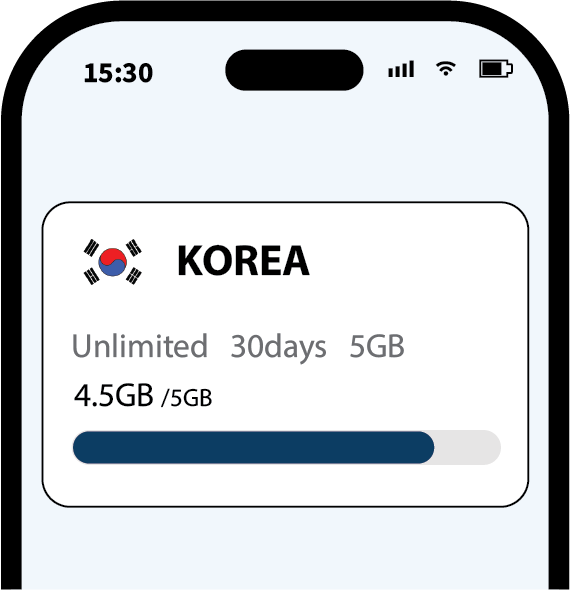
STEP3
Turn on roaming to connect automatically as soon as you land.

Travel across borders and multiple destinations with a single regional or global plan, hassle-free and without switching eSIMs.
Clear fixed rates with absolutely zero hidden roaming fees—backed by a 100% secure checkout process for ultimate peace of mind.
Smoothly access all your essential social media, messaging, and work apps abroad without the hassle of configuring a VPN.

Enjoy uninterrupted, non-stop connectivity so you stay online all day, even after utilizing your daily high-speed data limit.
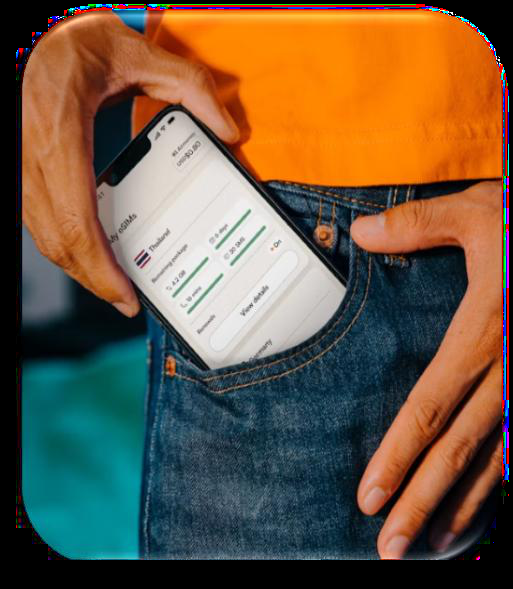
Easily monitor and track your daily data usage in real-time anytime directly through the official SIMTOSS website.
Simply scan a single QR code to activate your plan instantly, eliminating the need to wait or swap physical SIM cards.
From pickup hassles to extra devices—see how SIMTOSS simplifies your journey.
| Feature | Pocket Wi-Fi | Physical SIM | SIMTOSS eSIM |
|---|---|---|---|
| Pickup & Return | Airport queue required | Delivery wait or airport pickup | Instant email delivery (1 min) |
| Convenience | Heavy device to carry & charge | Risk of losing original SIM | No extra device, zero risk |
| Keep Main Number | Yes (uses Wi-Fi) | No (SIM swapped) | Yes (Receive SMS/Calls) |
| Cost Efficiency | Expensive daily rentals | Fixed rate | Affordable fixed rates |

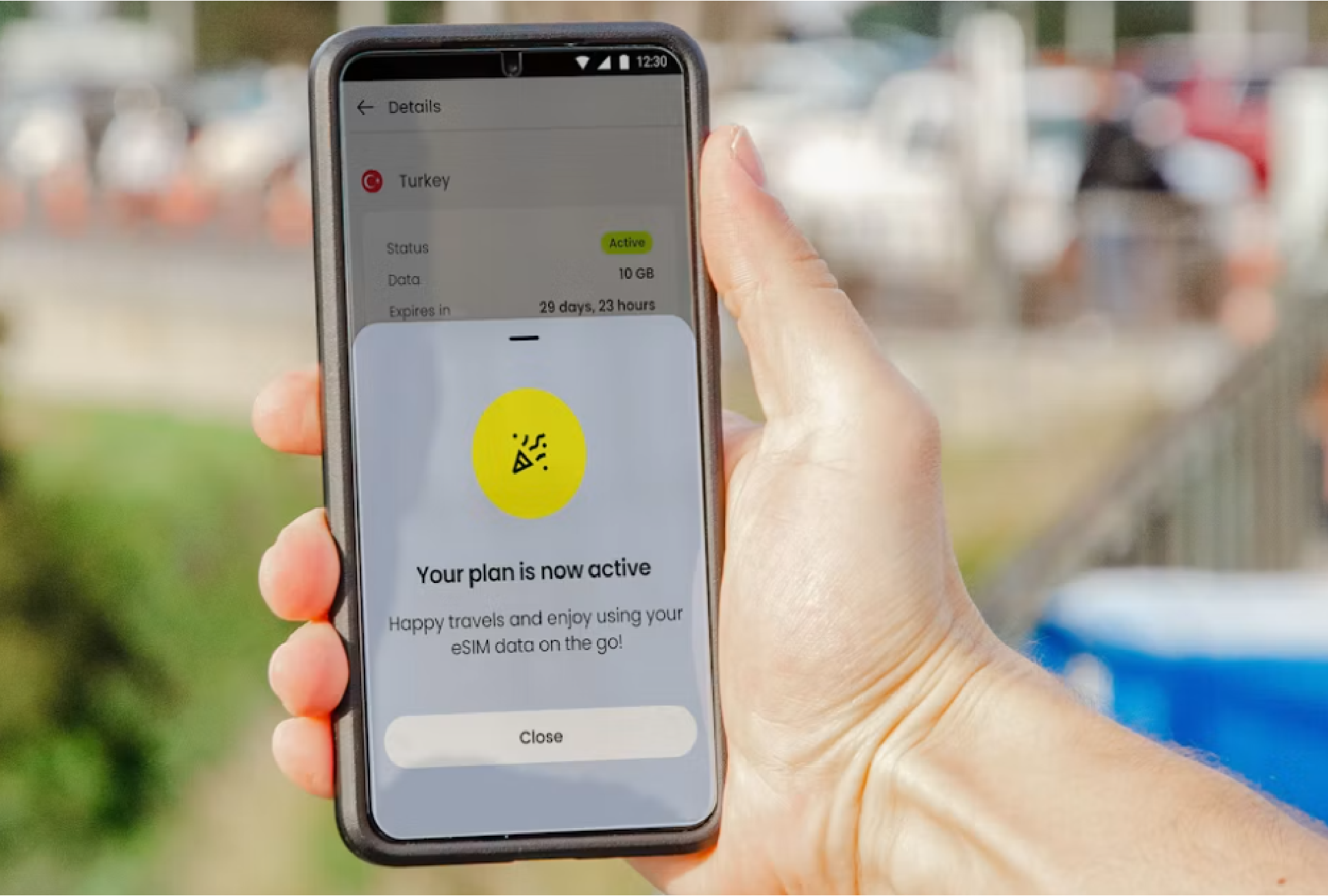
Complete your travel prep now—unbeatable speed and seamless network setup await you at your destination.
<p>Connect to Wi-Fi, open the SIMTOSS voucher, and follow the iOS activation prompts. Exact screens can vary by iOS version.</p>
Read details →<p>An eSIM is a digital SIM built into a compatible device. It lets you activate a data plan without inserting a physical SIM.</p>
Read details →<p>Check the compatible devices page and confirm that your device is carrier-unlocked before purchase.</p>
Read details →<p>Open your device SIM settings, add an eSIM, and scan the QR code in your SIMTOSS voucher.</p>
Read details →<p>Unused eSIMs may be eligible for a refund before installation. Installed or activated eSIMs cannot normally be refunded.</p>
Read details →<p>Display the QR code on another screen, then scan it from your device's eSIM setup screen while connected to Wi-Fi.</p>
Read details →<p>SIMTOSS provides digital travel data plans, installation guidance, and practical support.</p>
Read details →<p>Open the activation link on the device you want to install and follow the system prompts while connected to Wi-Fi.</p>
Read details →