


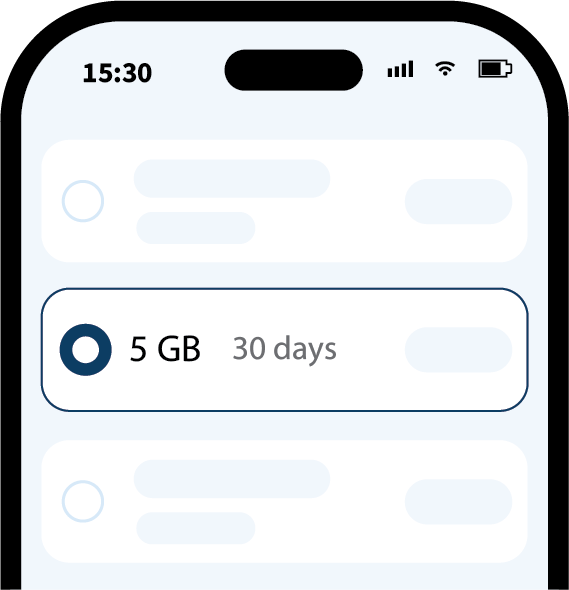
STEP1
Pilih paket
Pilih paket data terbaik untuk destinasi dan lama perjalanan Anda.
eSIM perjalanan global, siap sebelum berangkat
Ucapkan selamat tinggal pada tagihan roaming yang mahal. Tidak perlu mengganti SIM fisik. Cukup pindai kode QR dan nikmati data global berkecepatan tinggi.

Nikmati akses seluler tanpa ribet ke mana pun Anda bepergian. eSIM memberi layanan data tanpa kartu SIM fisik. Siapkan sebelum berangkat dan nikmati koneksi lancar sejak tiba.
Lihat cara kerja eSIM dan mengapa ini cara bepergian yang lebih cerdas.
Selengkapnya…Pengaturan yang mudah, bahkan sebelum lepas landas.
STEP1
Pilih paket data terbaik untuk destinasi dan lama perjalanan Anda.
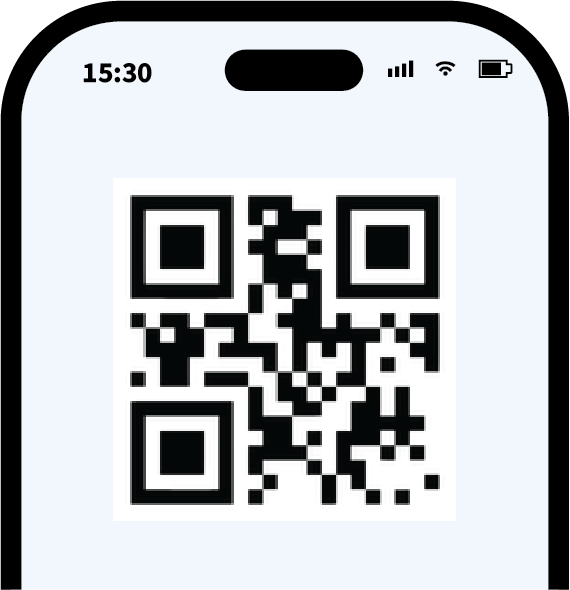
STEP2
Pindai kode QR untuk menyiapkan eSIM sebelum berangkat.
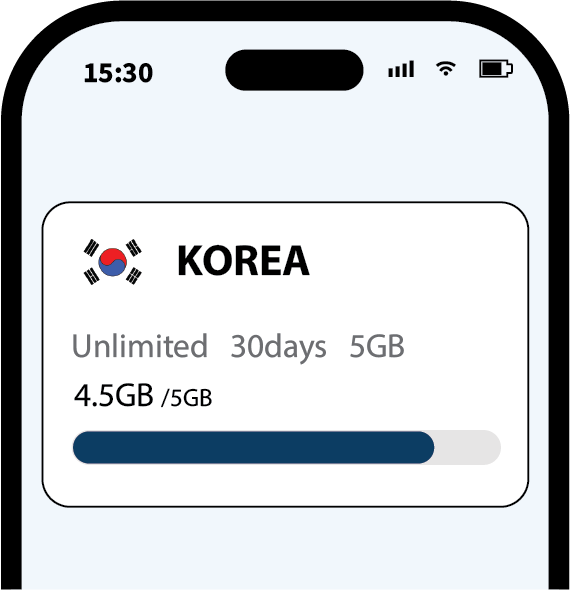
STEP3
Nyalakan roaming agar terhubung otomatis begitu Anda mendarat.

Bepergian lintas negara dan banyak tujuan dengan satu paket regional atau global, tanpa mengganti eSIM.
Tarif tetap yang jelas, tanpa biaya roaming tersembunyi, dan pembayaran yang 100% aman.
Akses media sosial, pesan, dan aplikasi kerja di luar negeri tanpa mengatur VPN.

Tetap online sepanjang hari, bahkan setelah kuota data cepat harian habis.
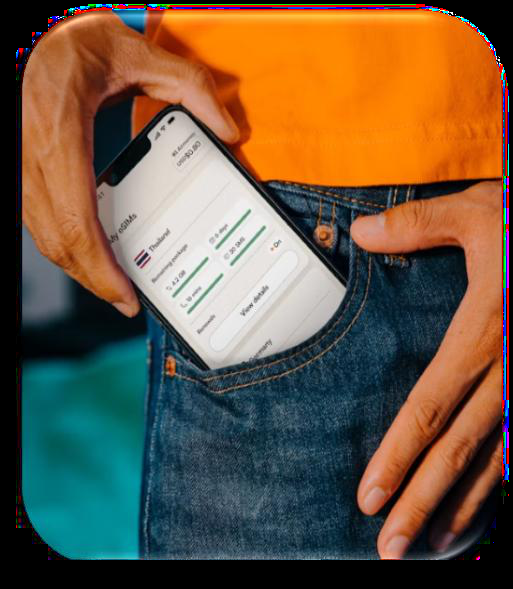
Pantau pemakaian data harian secara real-time kapan saja di situs resmi SIMTOSS.
Pindai satu kode QR untuk mengaktifkan paket seketika, tanpa menunggu atau mengganti SIM fisik.
Dari antrean pengambilan hingga perangkat tambahan: lihat bagaimana SIMTOSS menyederhanakan perjalanan Anda.
| Fitur | Wi-Fi saku | SIM fisik | eSIM SIMTOSS |
|---|---|---|---|
| Pengambilan & pengembalian | Harus antre di bandara | Menunggu pengiriman atau ambil di bandara | Langsung lewat email (1 menit) |
| Kenyamanan | Perangkat berat yang harus dibawa dan diisi daya | Risiko kehilangan SIM asli | Tanpa perangkat tambahan, tanpa risiko |
| Nomor utama tetap | Ya (memakai Wi-Fi) | Tidak (SIM diganti) | Ya (terima SMS dan telepon) |
| Biaya | Sewa harian yang mahal | Tarif tetap | Tarif tetap yang terjangkau |

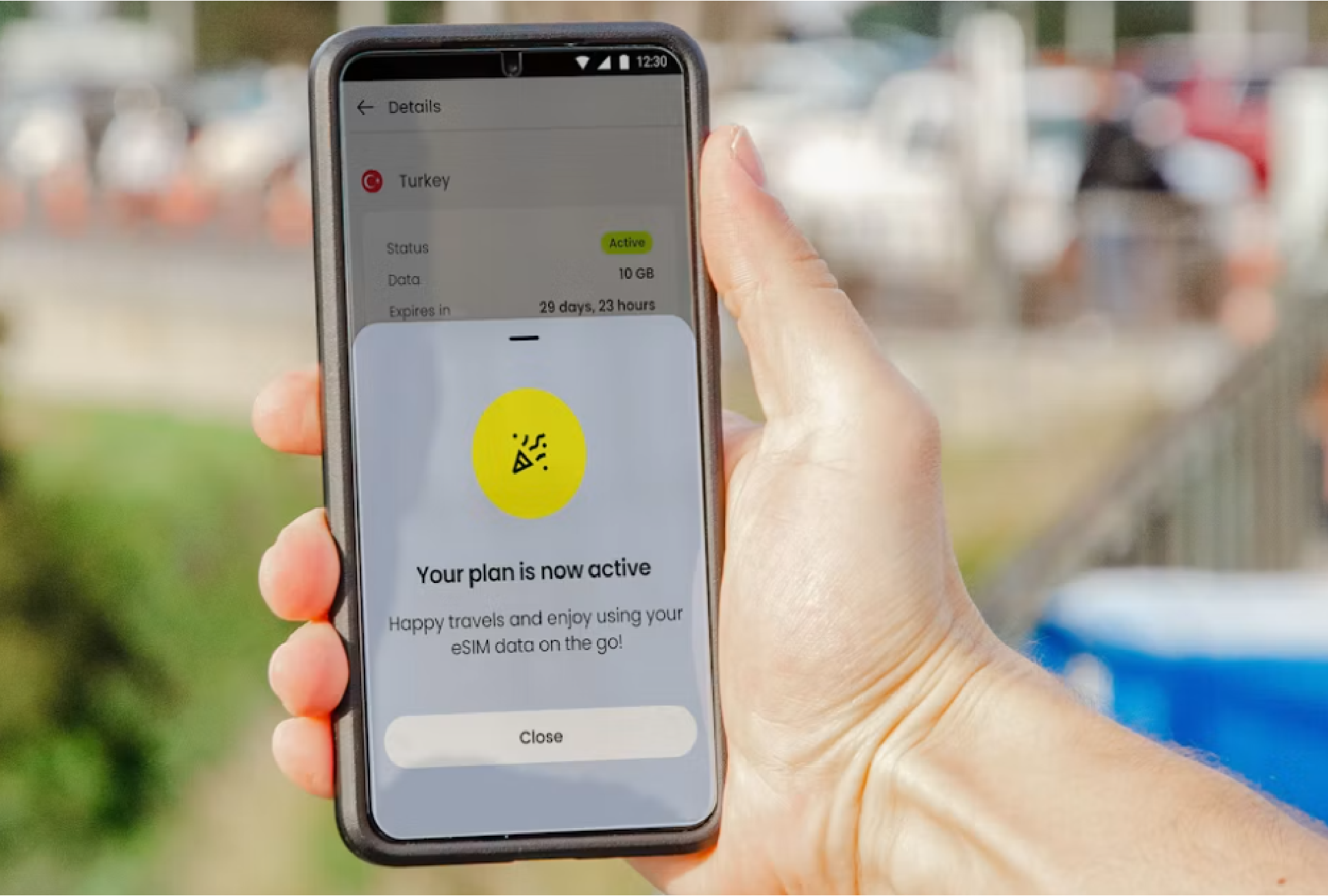
Selesaikan persiapan perjalanan sekarang—kecepatan unggul dan jaringan mulus menanti di tujuan Anda.
<p>Connect to Wi-Fi, open the SIMTOSS voucher, and follow the iOS activation prompts. Exact screens can vary by iOS version.</p>
Baca detail →<p>An eSIM is a digital SIM built into a compatible device. It lets you activate a data plan without inserting a physical SIM.</p>
Baca detail →<p>Check the compatible devices page and confirm that your device is carrier-unlocked before purchase.</p>
Baca detail →<p>Open your device SIM settings, add an eSIM, and scan the QR code in your SIMTOSS voucher.</p>
Baca detail →<p>Unused eSIMs may be eligible for a refund before installation. Installed or activated eSIMs cannot normally be refunded.</p>
Baca detail →<p>Display the QR code on another screen, then scan it from your device's eSIM setup screen while connected to Wi-Fi.</p>
Baca detail →<p>SIMTOSS provides digital travel data plans, installation guidance, and practical support.</p>
Baca detail →<p>Open the activation link on the device you want to install and follow the system prompts while connected to Wi-Fi.</p>
Baca detail →